
Conversational training platform
What conversation would you like to practise?
Create AI avatar simulations tailored to your organisation. Start with situations your team actually faces, choose the role the avatar plays and define the skills you want people to practise.
From scenario design to debriefing
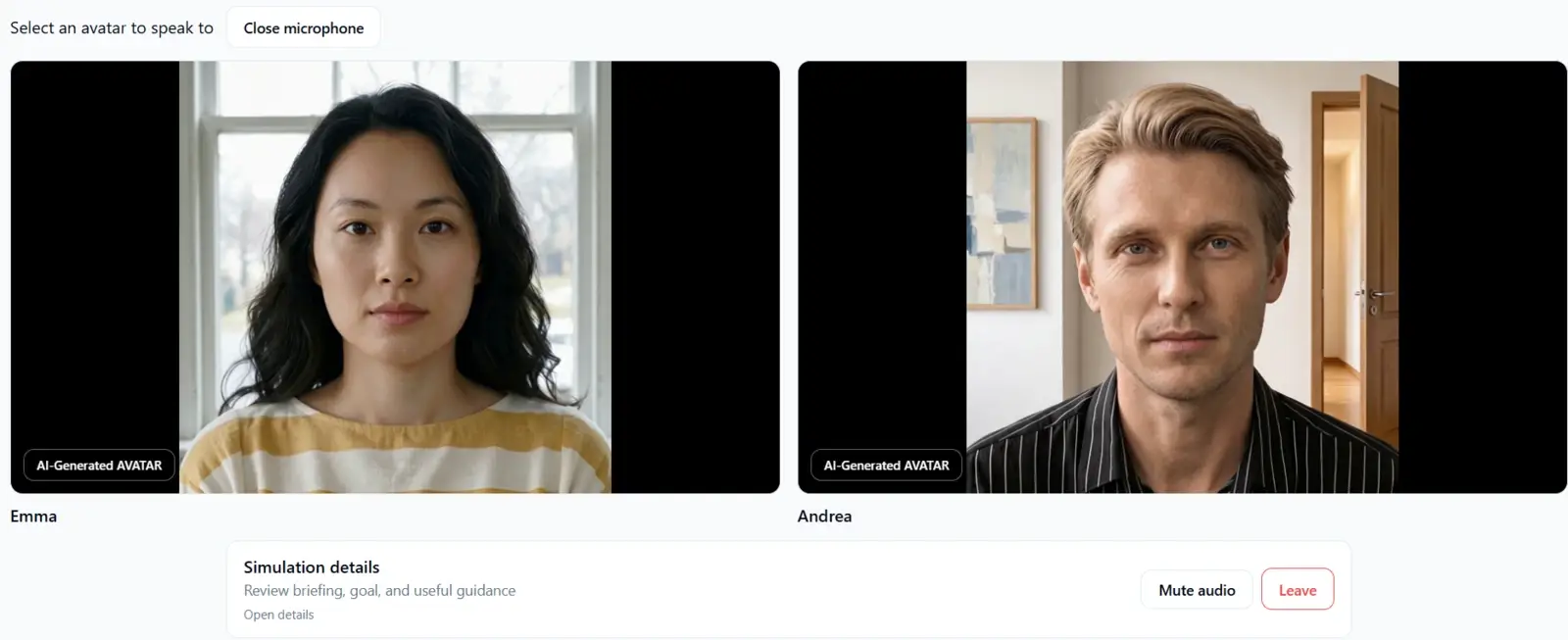
Choose a situation to practise, decide who will take part and identify the skills you want to observe. After the simulation, use the report to discuss what happened and what to try next.
Design and assign
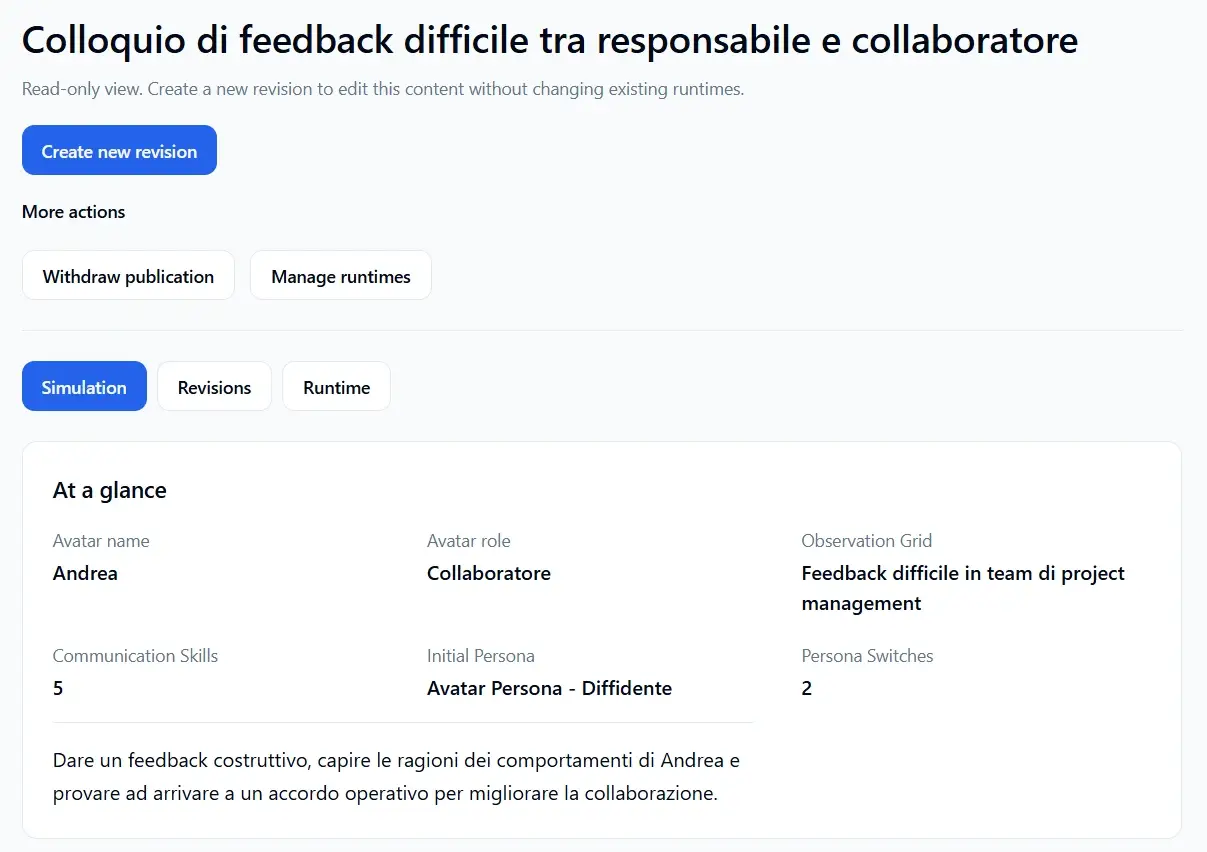
Start with a scenario from the catalogue or build one in Simulation Studio. Define the context, the avatar’s role and what the participant needs to achieve.
For example, recreate a complaint you often receive. Have the avatar play an impatient customer so your team can practise clarifying the problem and proposing a solution.
Practise and give feedback
Assign the simulation to your team. Participants speak with one or more AI avatars and try different ways of handling the conversation.
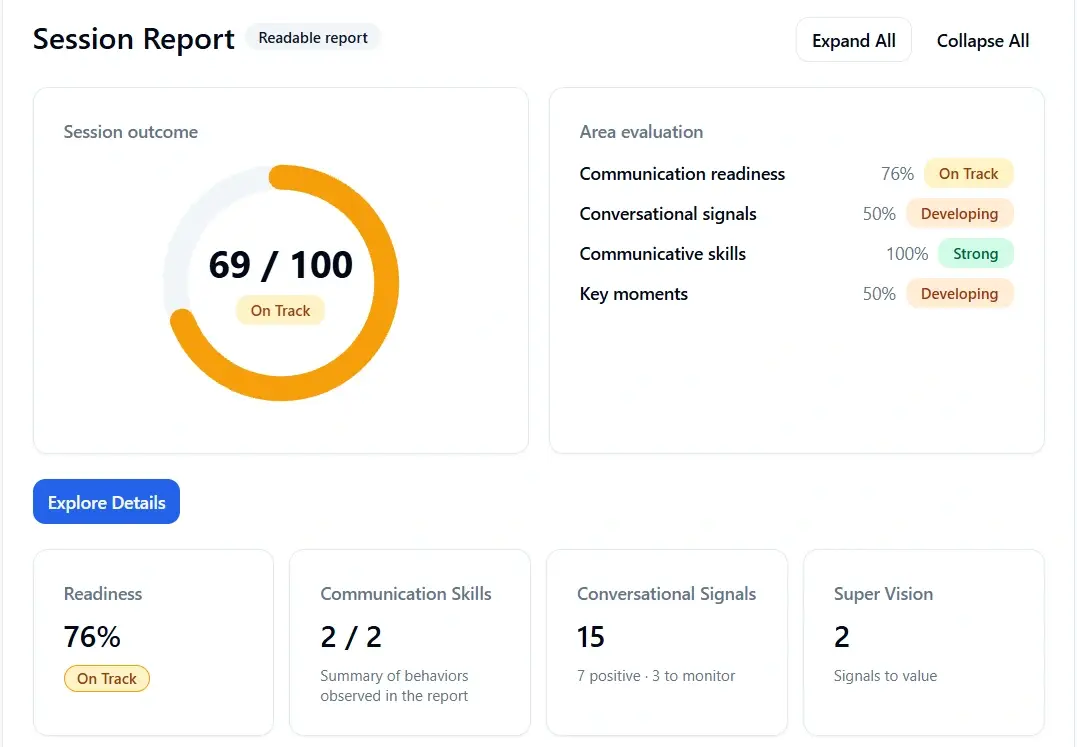
For the customer complaint scenario, use the report to review how the team clarified the problem and proposed a solution. In the debrief, compare responses and decide what to try in the next simulation.
For immersive training, you can also use virtual reality simulations. For group supervision, workshops and plenary sessions, you can bring an AI avatar into an online meeting.
Online meetings
Bring an AI avatar into your online meetings
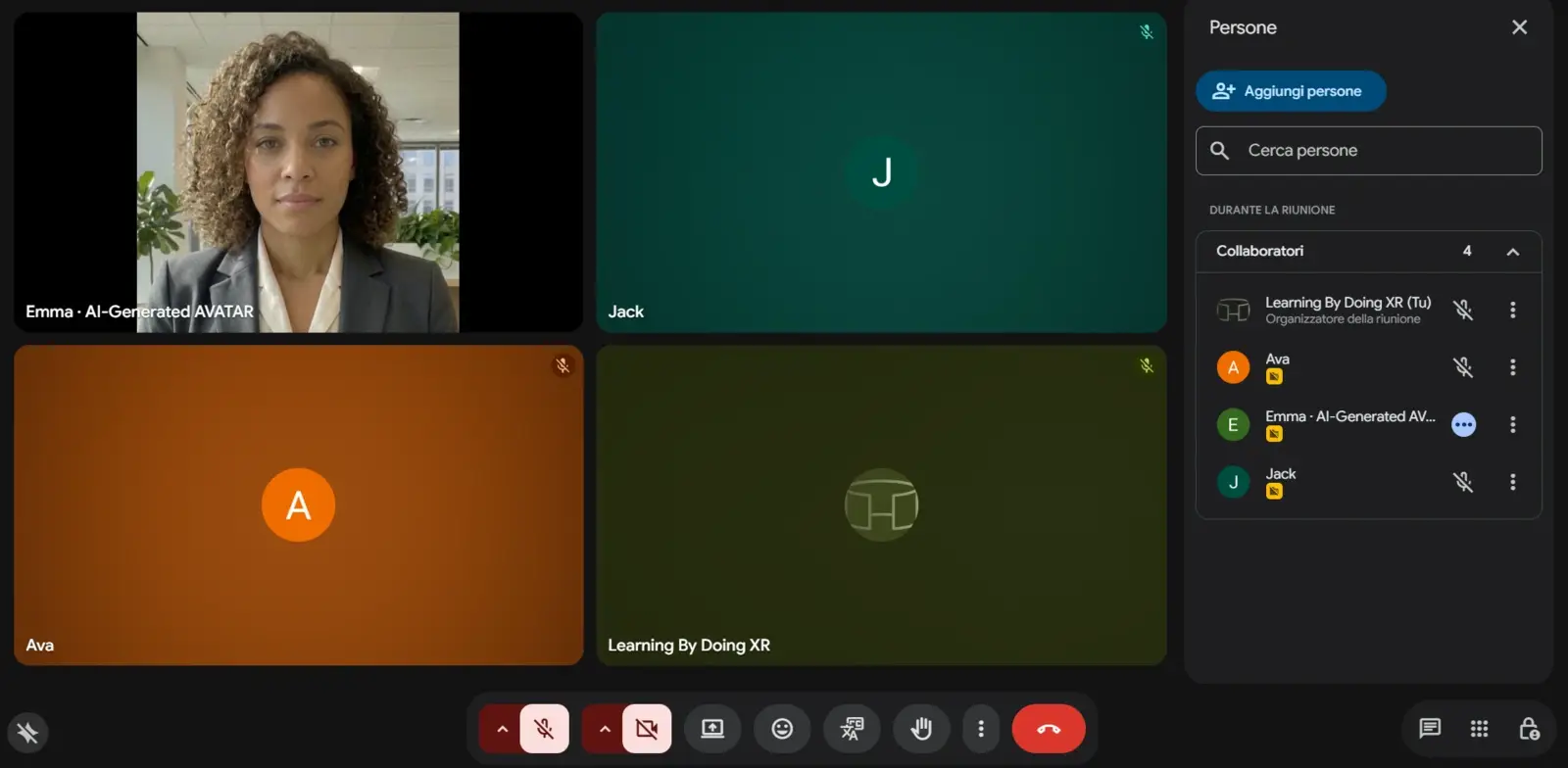
Invite a LearningByDoingXR avatar into a video call for group supervision, a workshop or a whole-group training session.
The facilitator guides the session. One participant speaks with the avatar while the group observes, then everyone discusses key moments in the debrief.
LMS integration via LTI
Bring practice into your courses
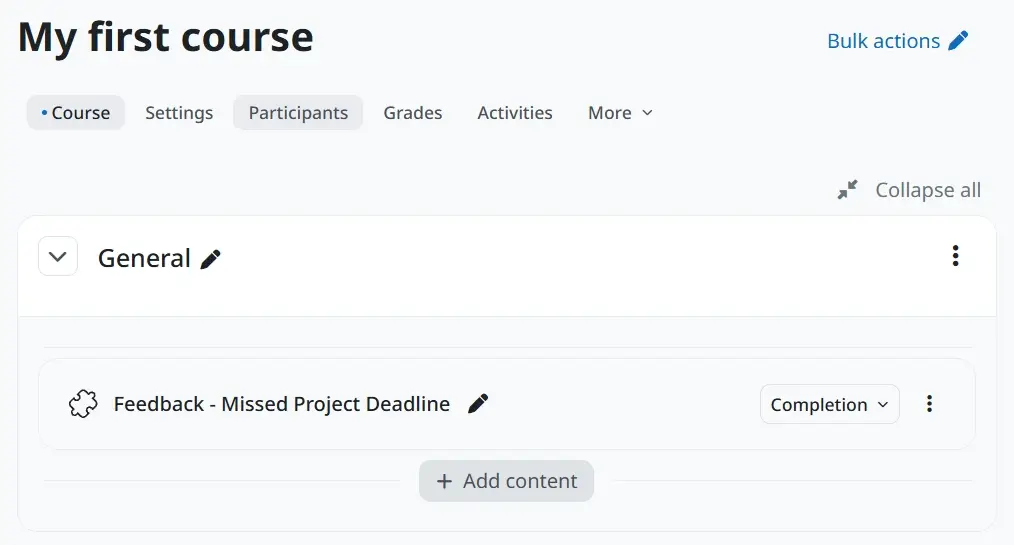
Once the LMS connection is set up, instructors can choose a simulation from the LearningByDoingXR catalogue and add it to their course. Participants launch it from the same page where they access their course materials.
Practise conversations across different situations
Handle a difficult conversation
Mediate a disagreement between colleagues or communicate a change to your team.
Negotiate an agreement
Explore needs and interests, address objections and work towards an agreement with a customer or supplier.
Support a customer
Respond to a complaint, clear up a misunderstanding or explain a complex procedure.
Conduct an interview
Ask questions, follow up on answers and manage expectations in a job interview.
Explain and listen
Present a proposal, invite questions or help someone learn a new skill.
Navigate a sensitive conversation
Communicate a difficult decision, respond to an unexpected reaction or practise setting a boundary.
A dedicated workspace for each client
As a training provider, you can manage users, roles, simulations and reports for each organisation. Ask about our referral programme during the demo.
The Human Readiness method
Observation rubrics connect learning objectives to behaviours that emerge during a simulation. The report provides specific examples to discuss and skills to practise again.
What situation would you like to simulate?
Bring a real situation from your team or one of your clients. In the demo, we’ll show you how to turn it into an AI avatar conversation and add it to your training programme.

