
For HR and L&D teams
Help your teams practise the conversations they face at work
Turn feedback, disagreements and customer complaints into simulations with AI avatars. Start with situations from your organisation and build practice into the training programmes you already run.
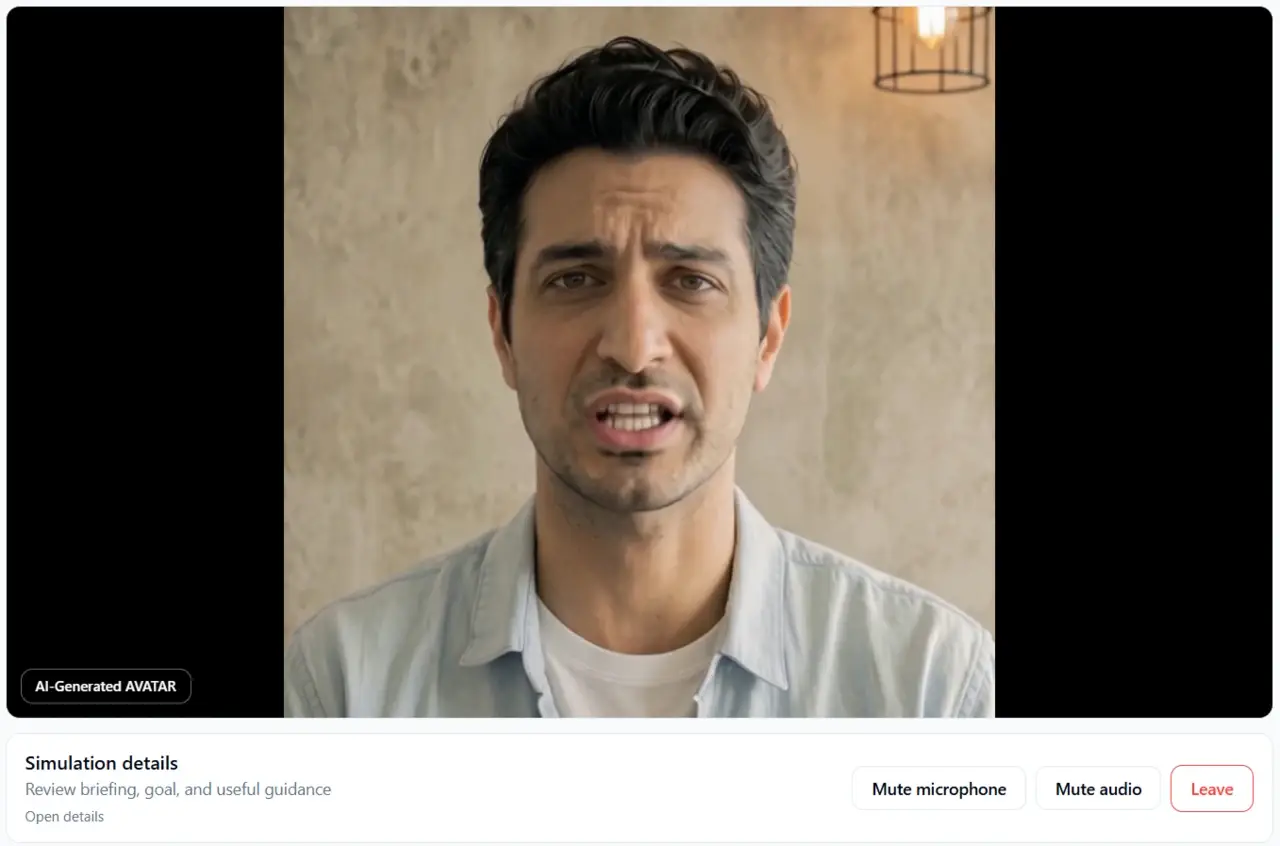
A learning programme for new managers
Before the workshop
Each manager practises giving feedback to Alex, who interrupted a colleague during a meeting.
During the workshop
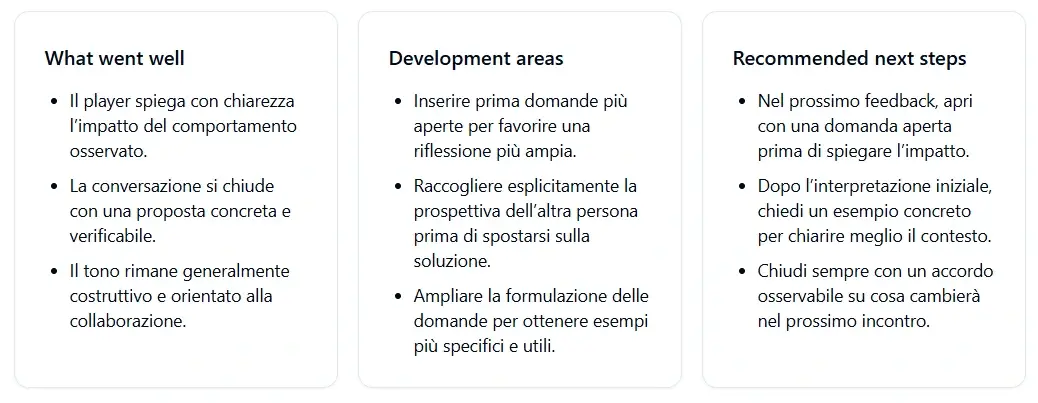
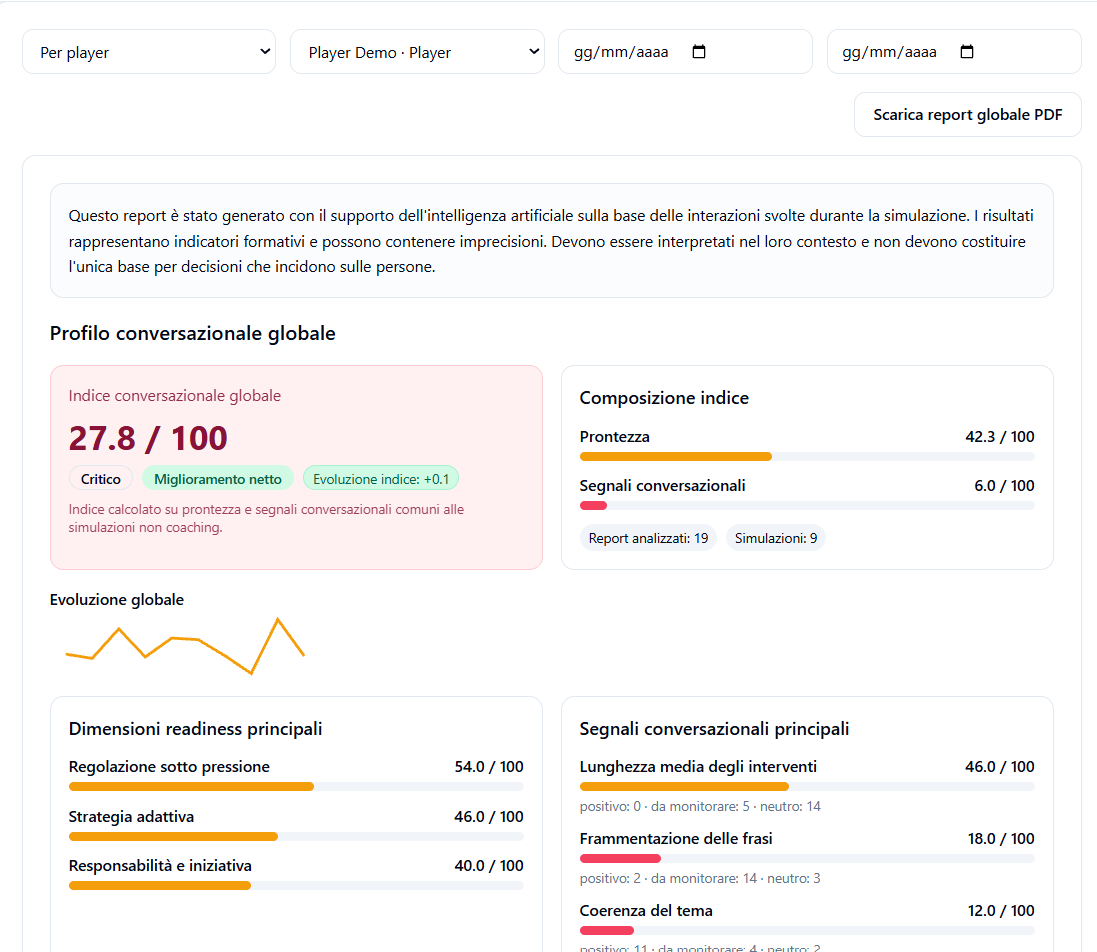
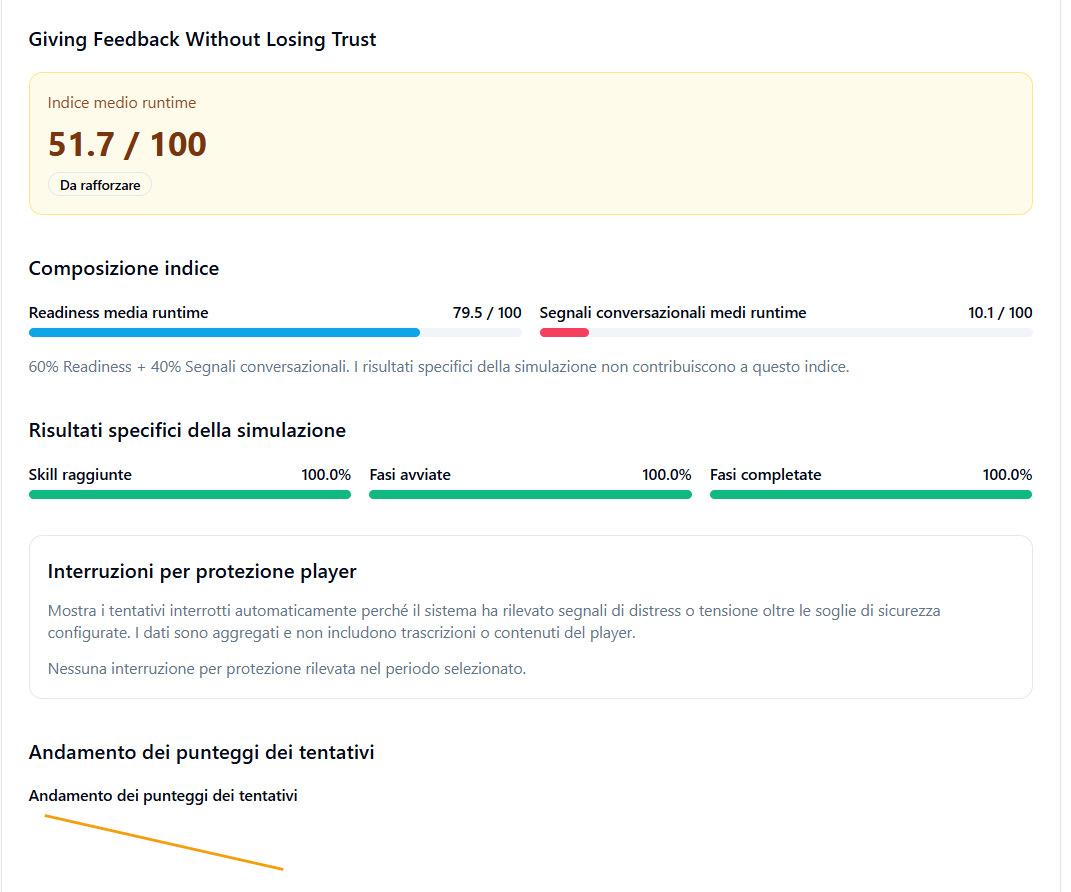
The trainer uses the report to discuss a moment from the conversation and explore what else the manager could have asked.
After the workshop
Managers try again with the same avatar profile and starting conditions. For example, they open with “How did you experience that moment in the meeting?” and see how the conversation changes.
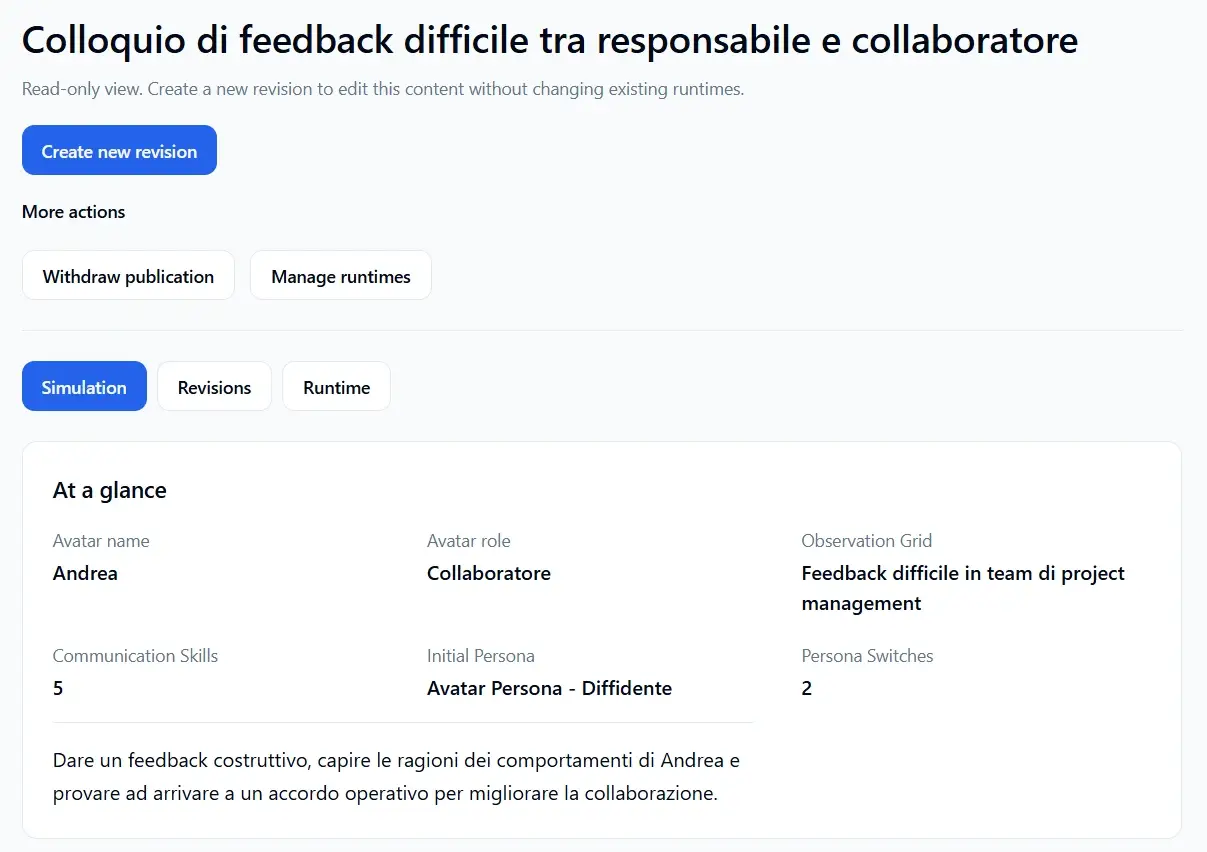
Turn a recurring situation into a practice exercise
Start with an incident the team recognises, such as a late delivery or a meeting where someone was interrupted. In Simulation Studio, define the participant’s role, what they know and what they need to achieve in the conversation.
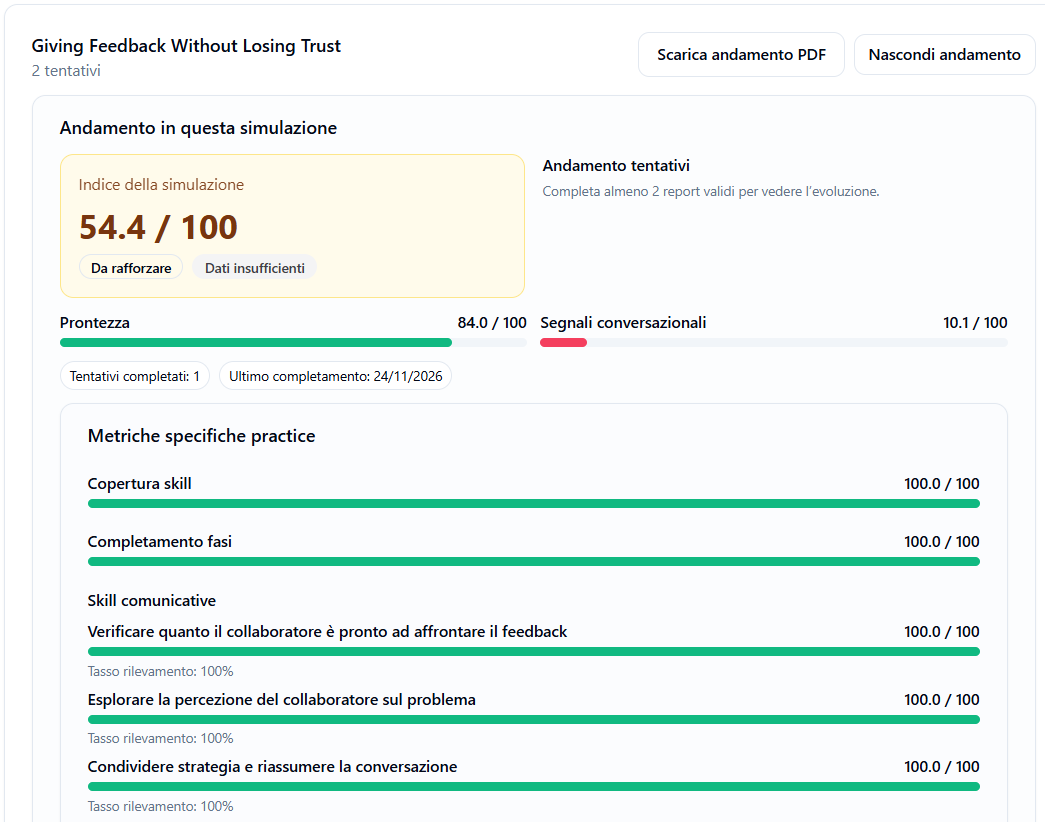
For a feedback exercise, choose behaviours you can observe, such as describing a specific incident, asking for the other person’s perspective and agreeing on a next step. The trainer can revisit these behaviours during the debrief.
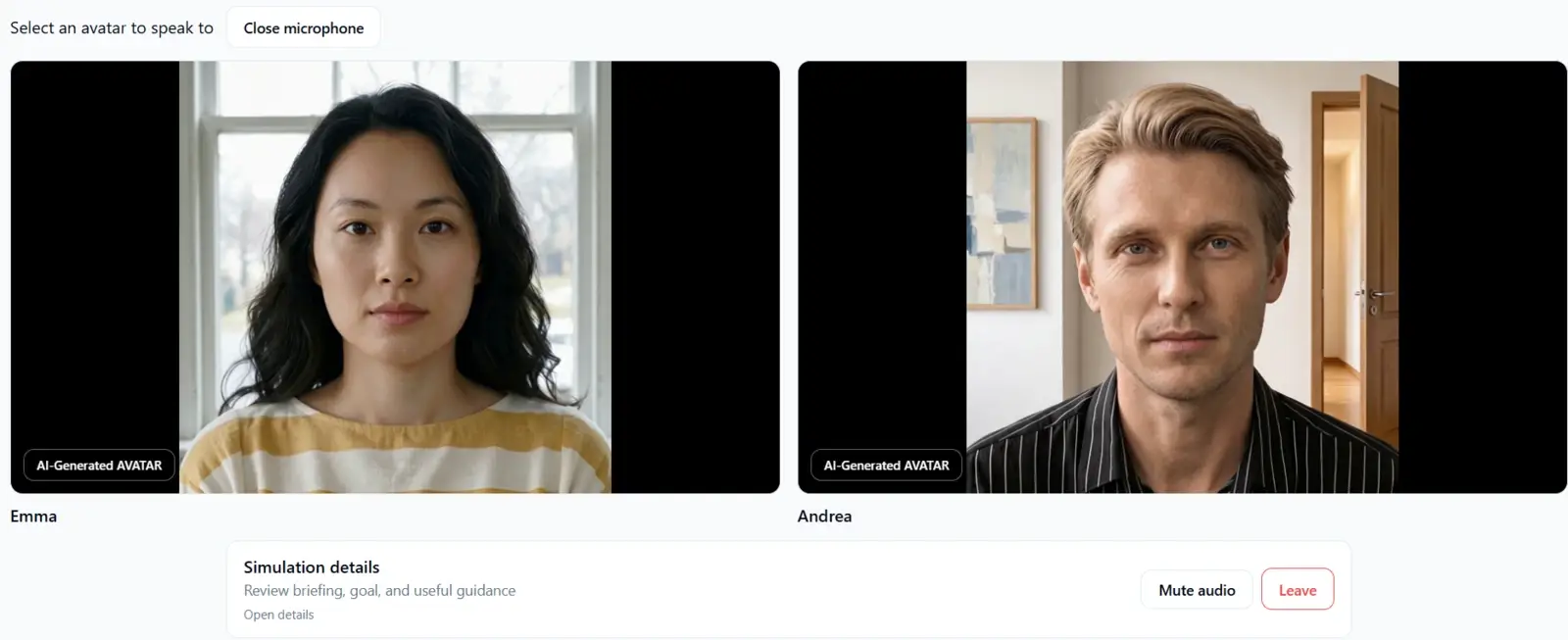
When a conversation involves more than two people
In a mediation exercise, one colleague wants to meet a deadline and the other worries that rushing will compromise quality. The participant can speak to both avatars and explore their priorities before proposing an agreement.
For customer service training, try a complaint about a missed commitment. The participant finds out what happened, clarifies expectations and offers a next step they can deliver.
Choose how your team practises
Assign the first attempt in the browser and set aside time together for discussion. You can also add the simulation to an LMS course or run it live on a video call.
In an online course
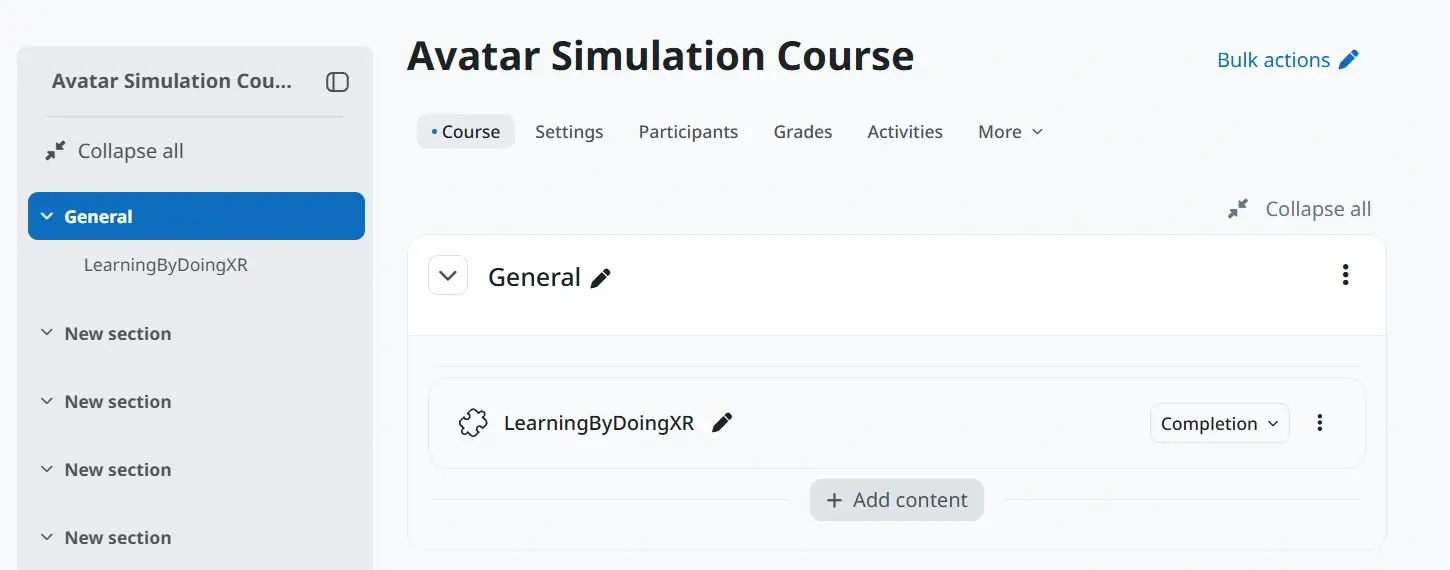
Add the activity alongside the course materials. Participants read the briefing, practise with the avatar and can return to the course when they finish.
In a remote workshop
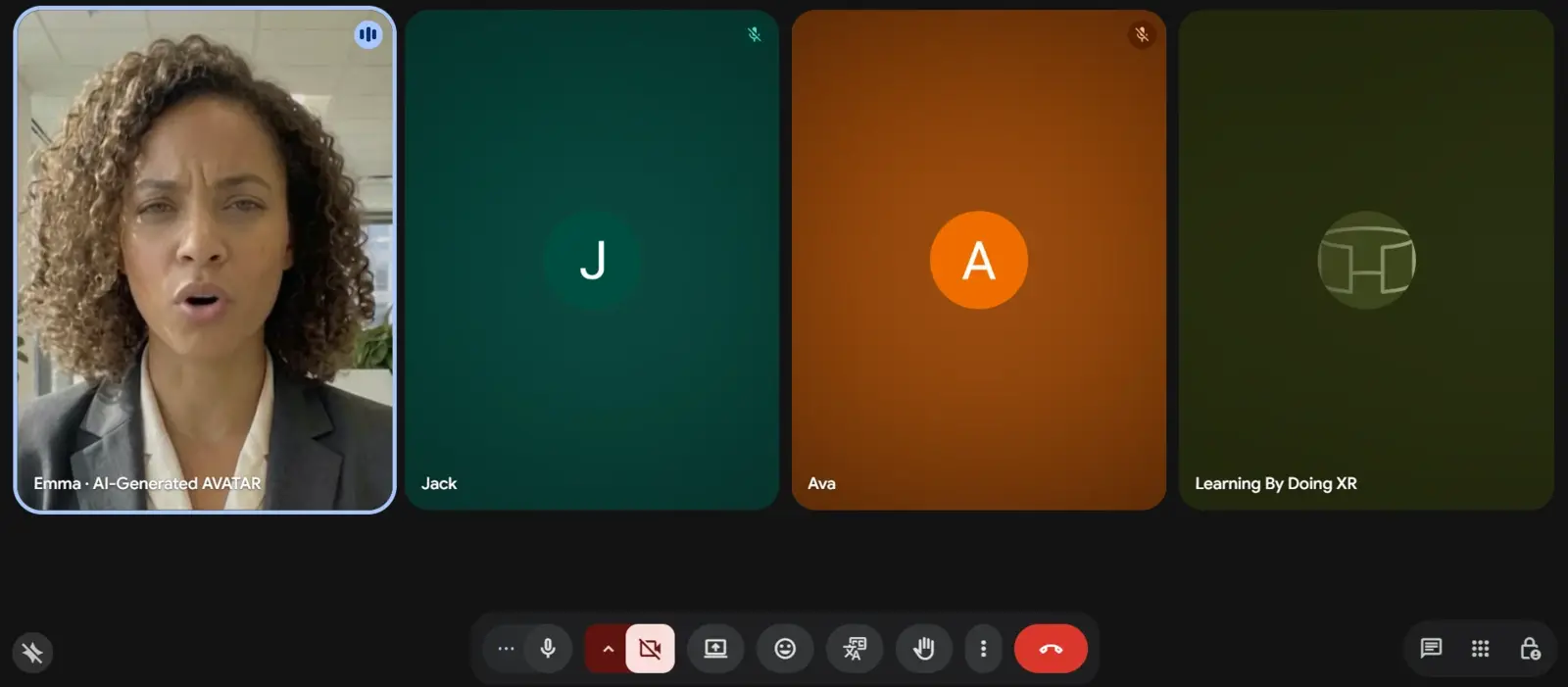
One person tries the conversation on a video call. The facilitator asks the group to watch for a specific behaviour and suggests a second attempt based on what they notice.
Sample reports
Bring a conversation from your team to the demo
We’ll show you how to turn it into a simulation and build it into your training programme.

