
Online meetings
Bring an AI avatar into your next workshop
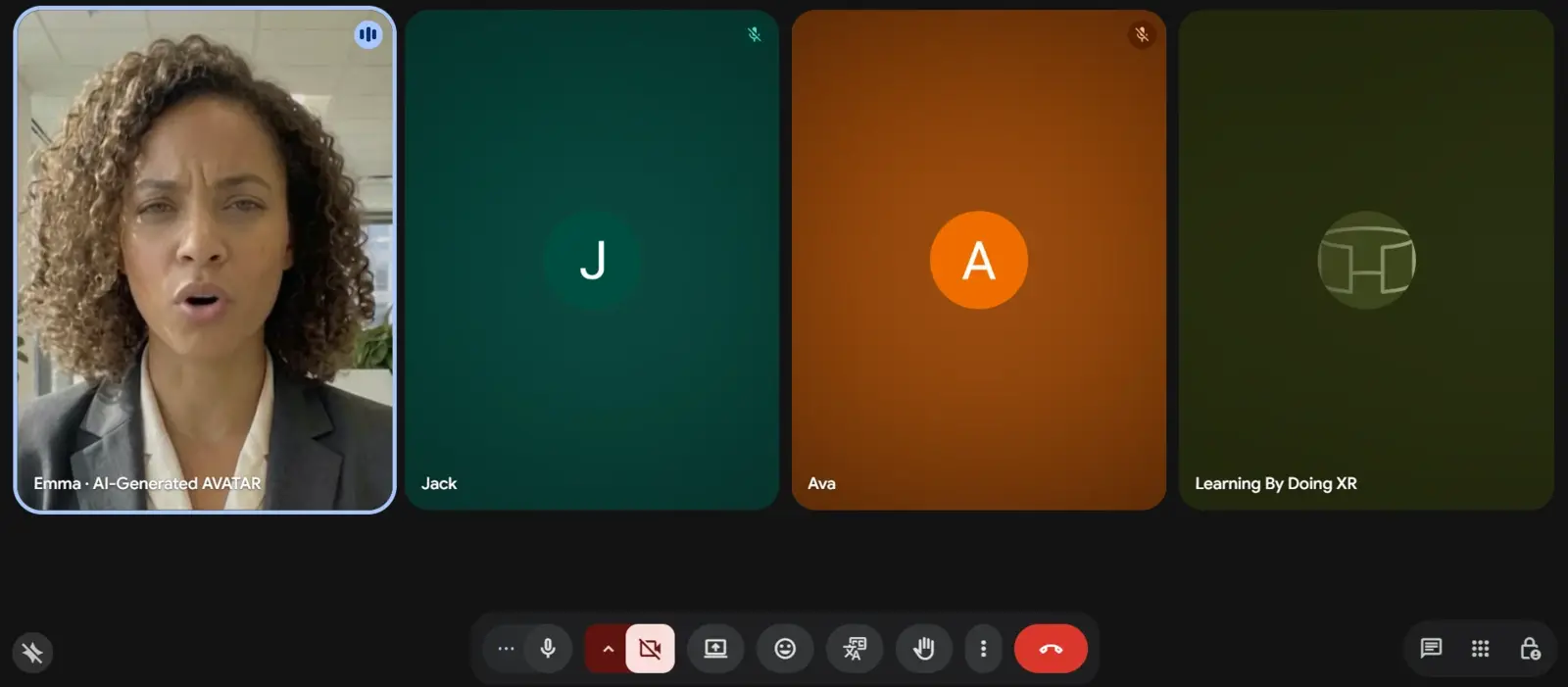
Invite a LearningByDoingXR avatar into your video call. One person practises the conversation, the group observes and the facilitator leads a debrief afterwards.
How it works
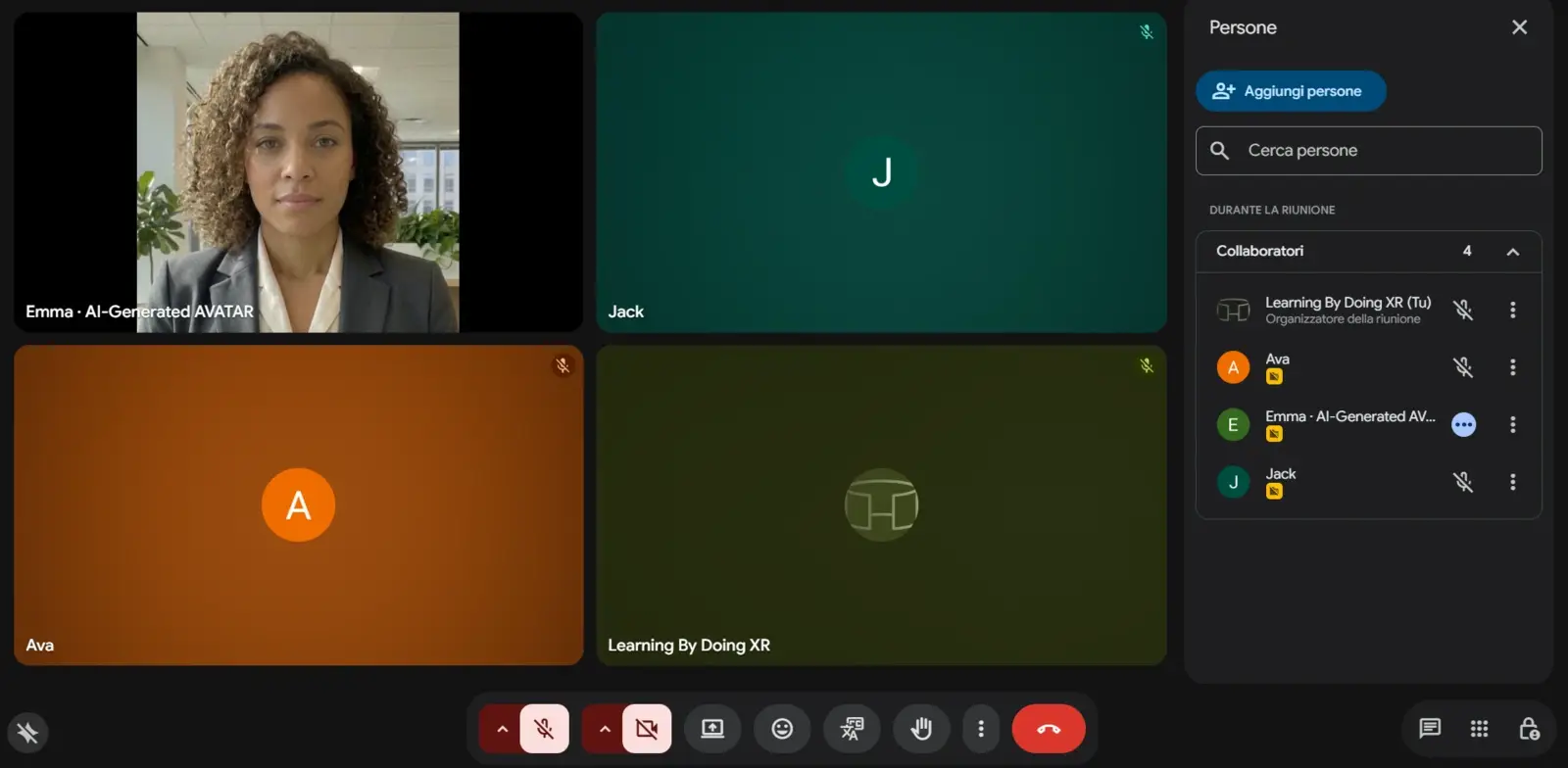
The avatar joins the meeting as a participant and is identified as an AI avatar. The facilitator introduces the scenario and invites someone to start the conversation.
The rest of the group observes. After the exercise, the facilitator revisits a moment from the conversation and asks the group to suggest a different approach to try.
When to use it
Workshops
Have several people take turns trying the same scenario and compare how the avatar responds to each approach.
Group supervision
Recreate a situation the group encounters regularly and discuss what else they could try at a key moment.
Plenary sessions and demos
Show a conversation live and invite observers to ask questions and suggest what to try next.
Workshop example
Try a difficult feedback conversation again
A participant gives feedback to Emma, who plays a defensive colleague. The group watches for the moment the conversation becomes challenging. In the debrief, they suggest a question that could draw out Emma’s perspective, then retry that part of the conversation and compare her responses.
Try a simulation in your next group session
Bring a situation your team wants to practise. In the demo, we’ll show you how to run the exercise with an avatar on a video call.

