
Reports and debriefing
From conversation to the next attempt
After practising with an AI avatar, use the report to see which skills you demonstrated, which signals are worth revisiting and what to try in your next conversation.
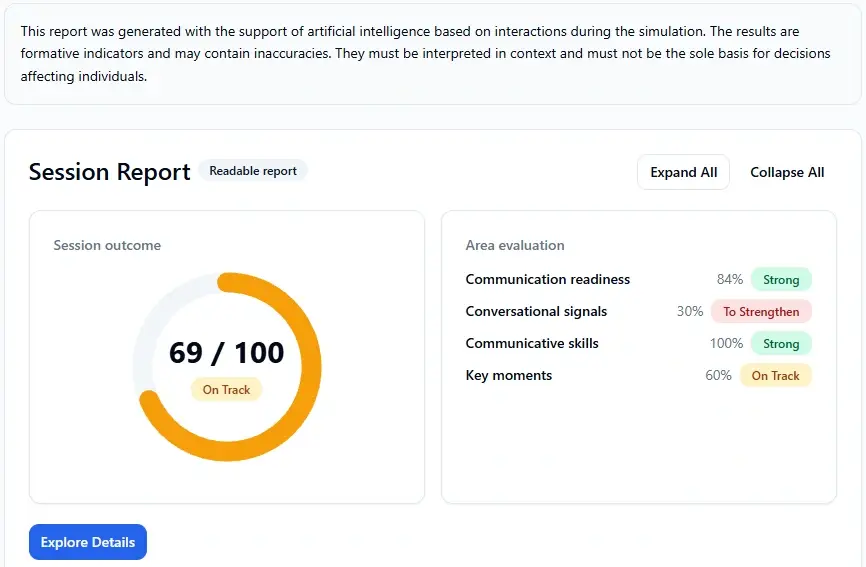
What the conversation reveals
The report provides learning indicators to interpret in the context of the session. Start with the summary, then explore the behaviours and signals most relevant to your learning objective.
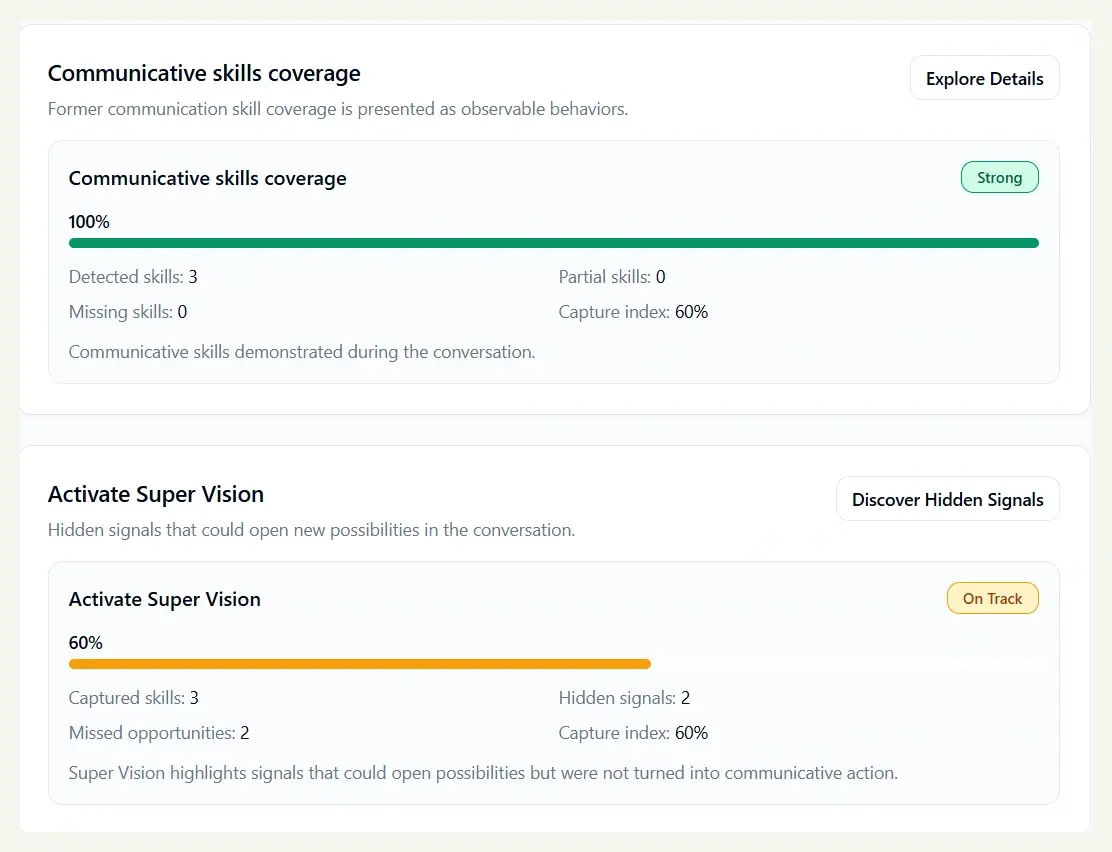
Skills and opportunities
Review the behaviours covered by the observation rubric. Super Vision also highlights cues that could have opened up new possibilities in the conversation.
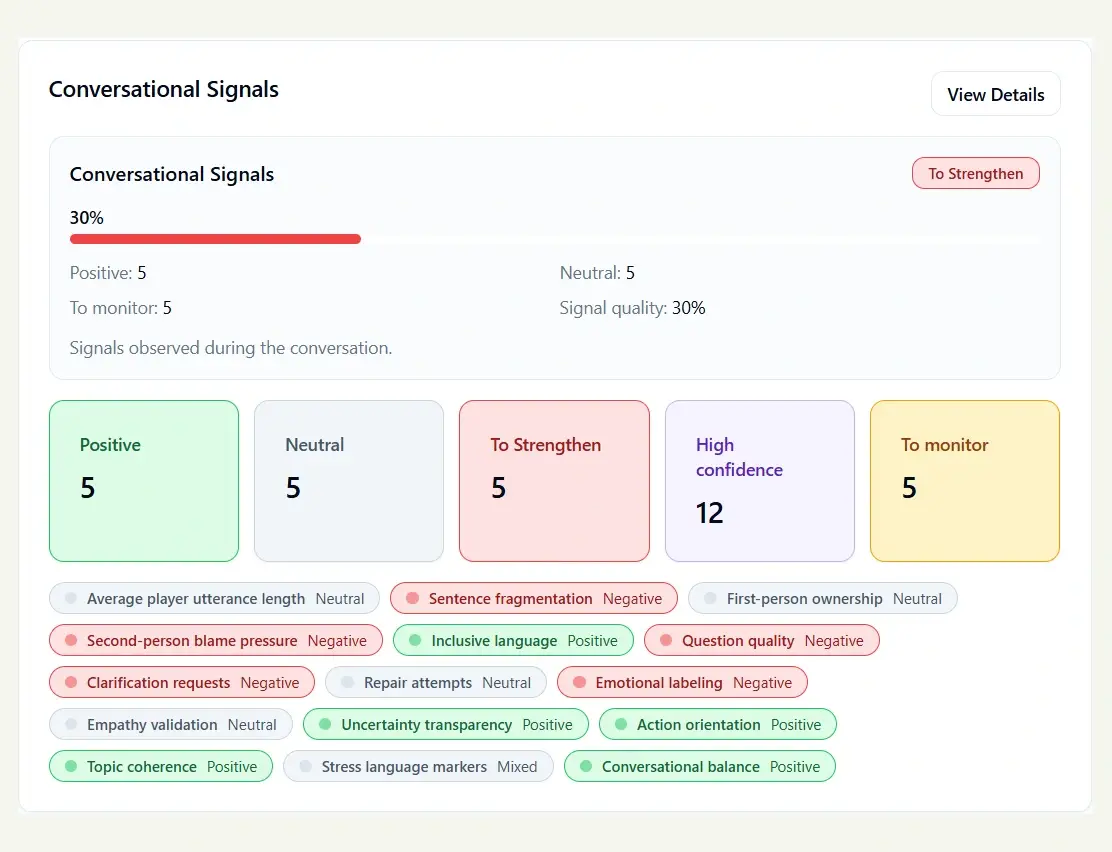
Conversational signals
See how the dialogue unfolded. The report highlights aspects such as inclusive language, the quality of questions and how well the conversation moved towards action.
Debriefing example
Giving Feedback Without Losing Trust
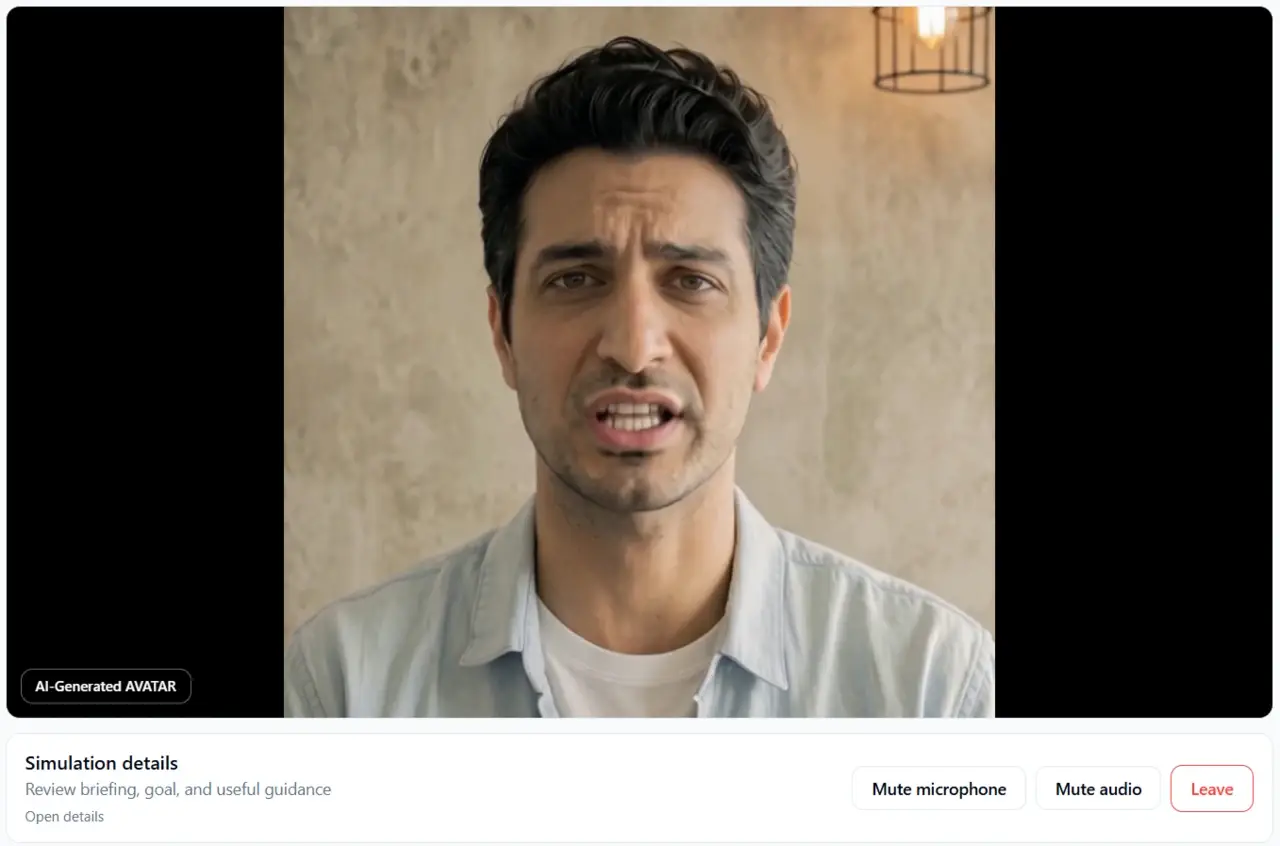
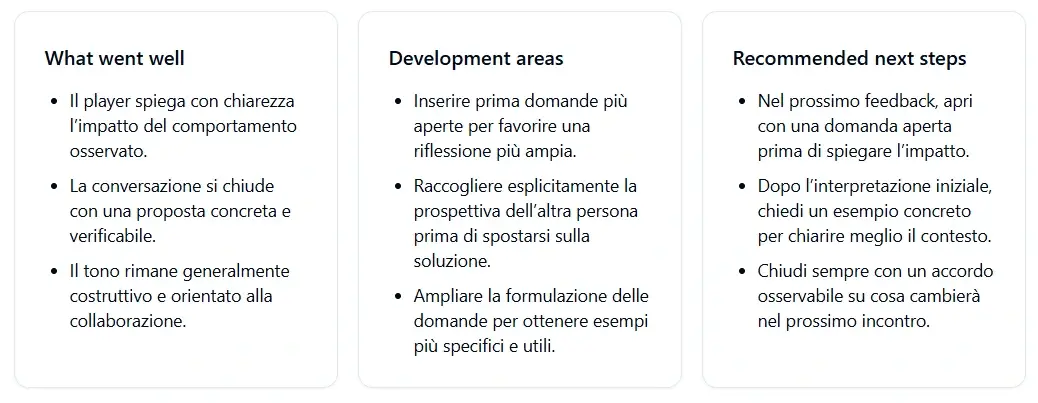
In the conversation with Alex, the participant clearly explained the impact of the behaviour and ended with a concrete proposal. The report suggests exploring Alex’s perspective earlier by asking more open-ended questions.
In the debrief, revisit the moment when the conversation shifted towards a solution. What could you have asked first? On your next attempt, try asking “How did you experience that moment in the meeting?” and give Alex time to respond.
See a report based on a scenario from your team
Bring a conversation you want your team to practise. In the demo, we’ll show you how to set up the simulation and use the report to guide the debrief.

