
Tailored simulations
Turn real situations into conversations your team can practise
A negotiation, a handover or a sensitive discussion. Create simulations with AI avatars based on conversations people face in your organisation.
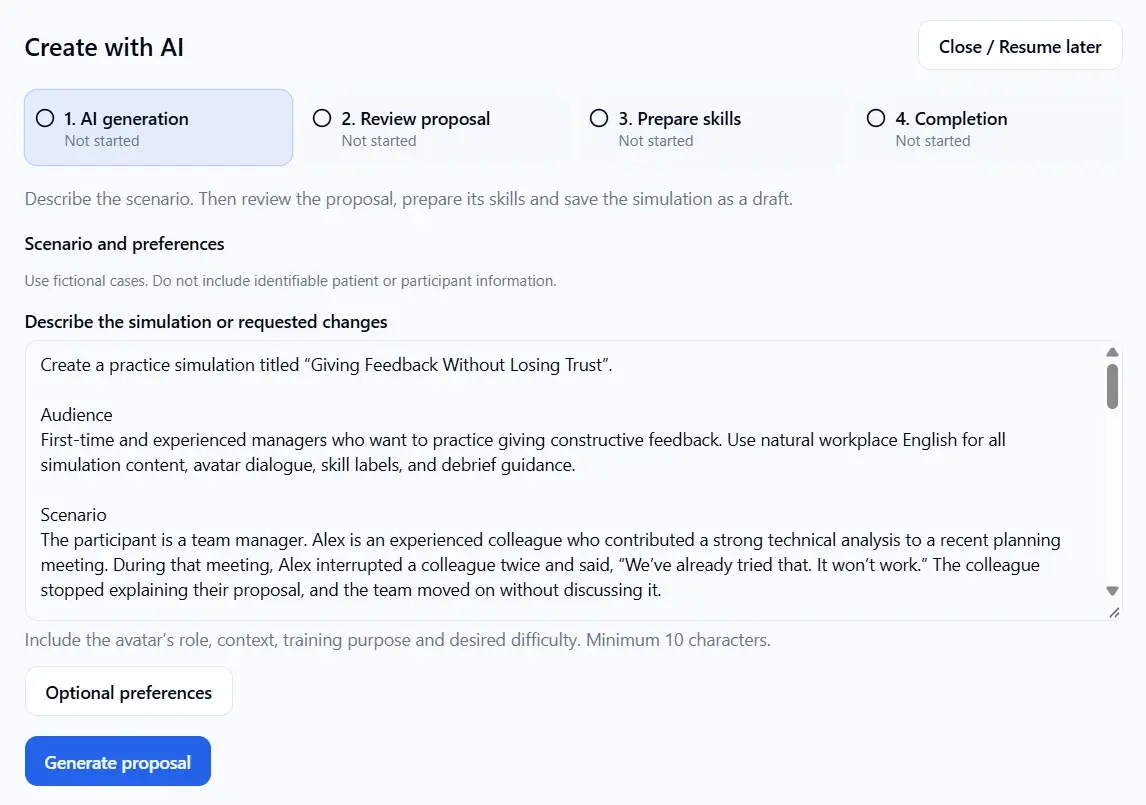
Simulation Studio
From idea to first draft with the AI Copilot
Describe the context, who will practise and what they need to achieve. The Copilot drafts the opening scenario and selects a suitable avatar persona for the role.
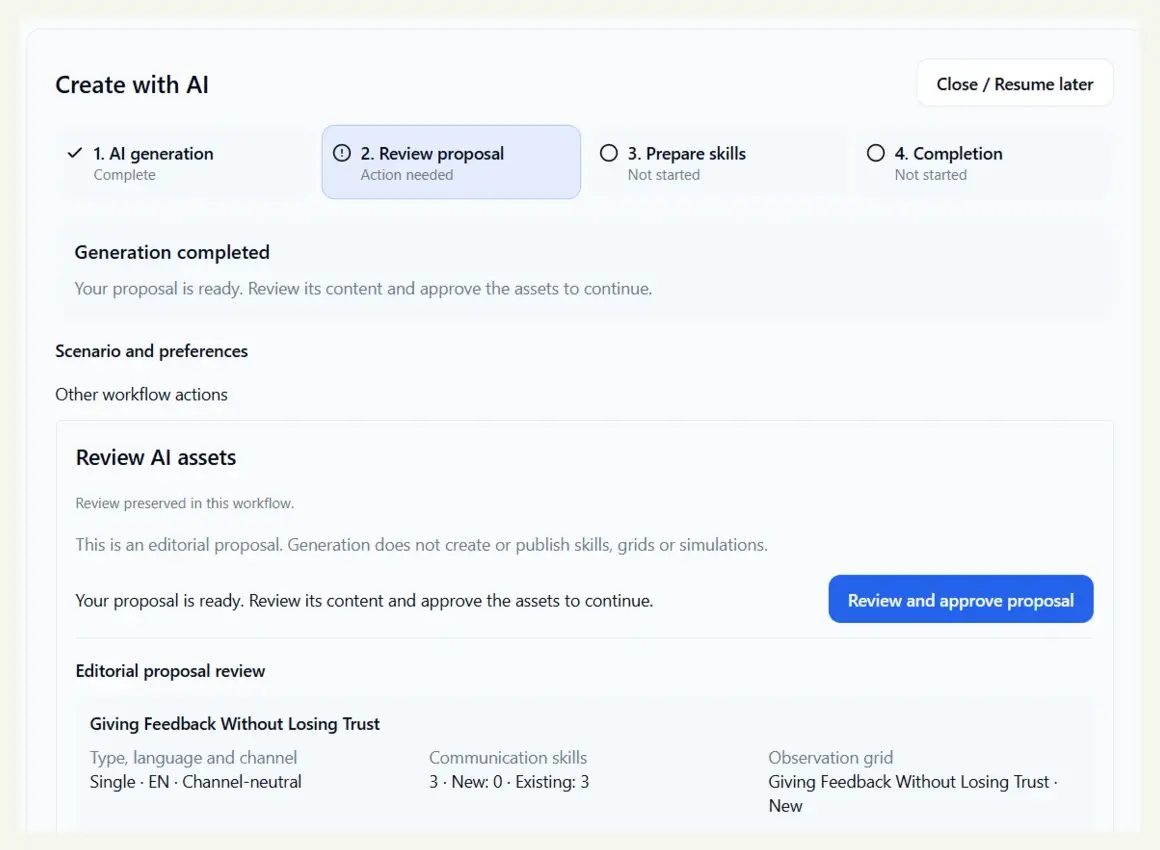
Review the proposal
Check the context, the avatar’s role and the storyline. You can review, edit and approve the proposal before saving the simulation as a draft.
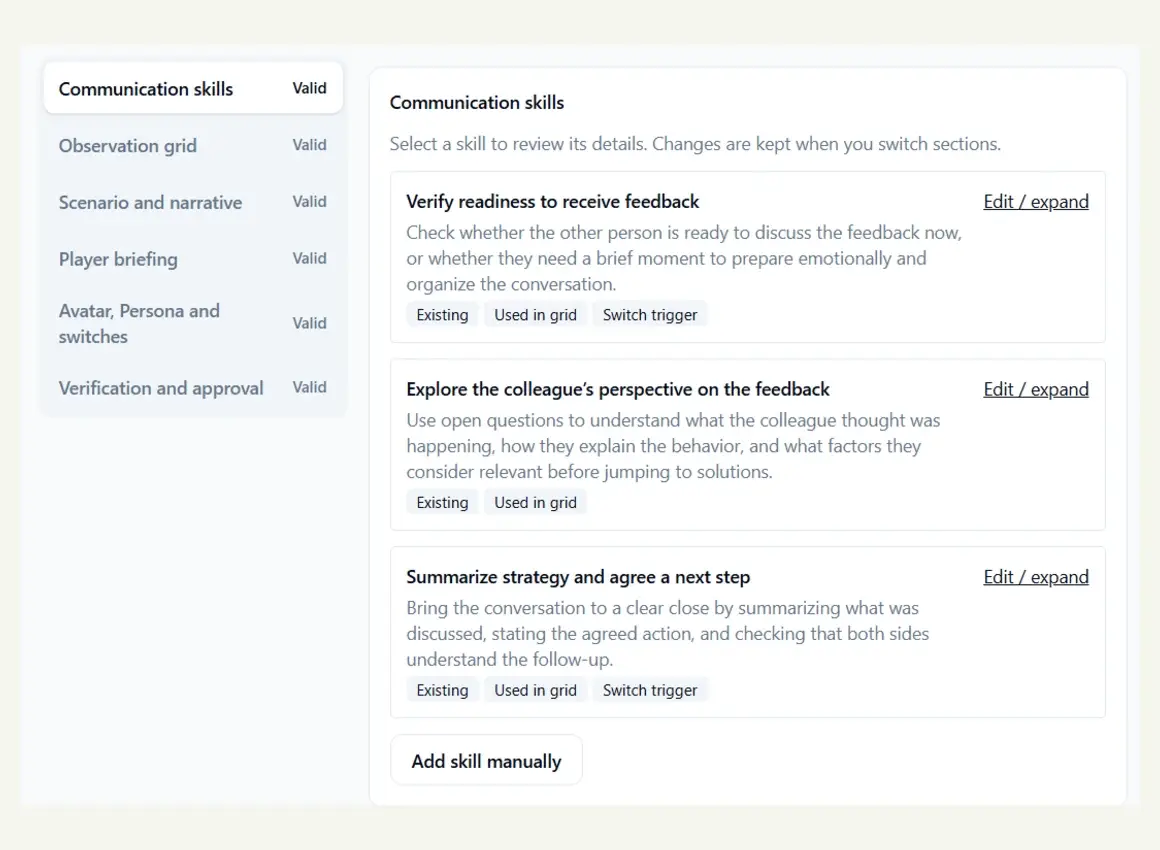
Choose what to observe
The Copilot reuses existing communication skills or suggests new ones. It organises them into an observation rubric based on your learning objectives.
Build the simulation one element at a time
You can also build a simulation from scratch in Simulation Studio. Write the storyline, choose the avatar and define how its attitude can change during the conversation. Decide what information should come to light, which skills to practise and which behaviours to include in the observation rubric.
Example simulation
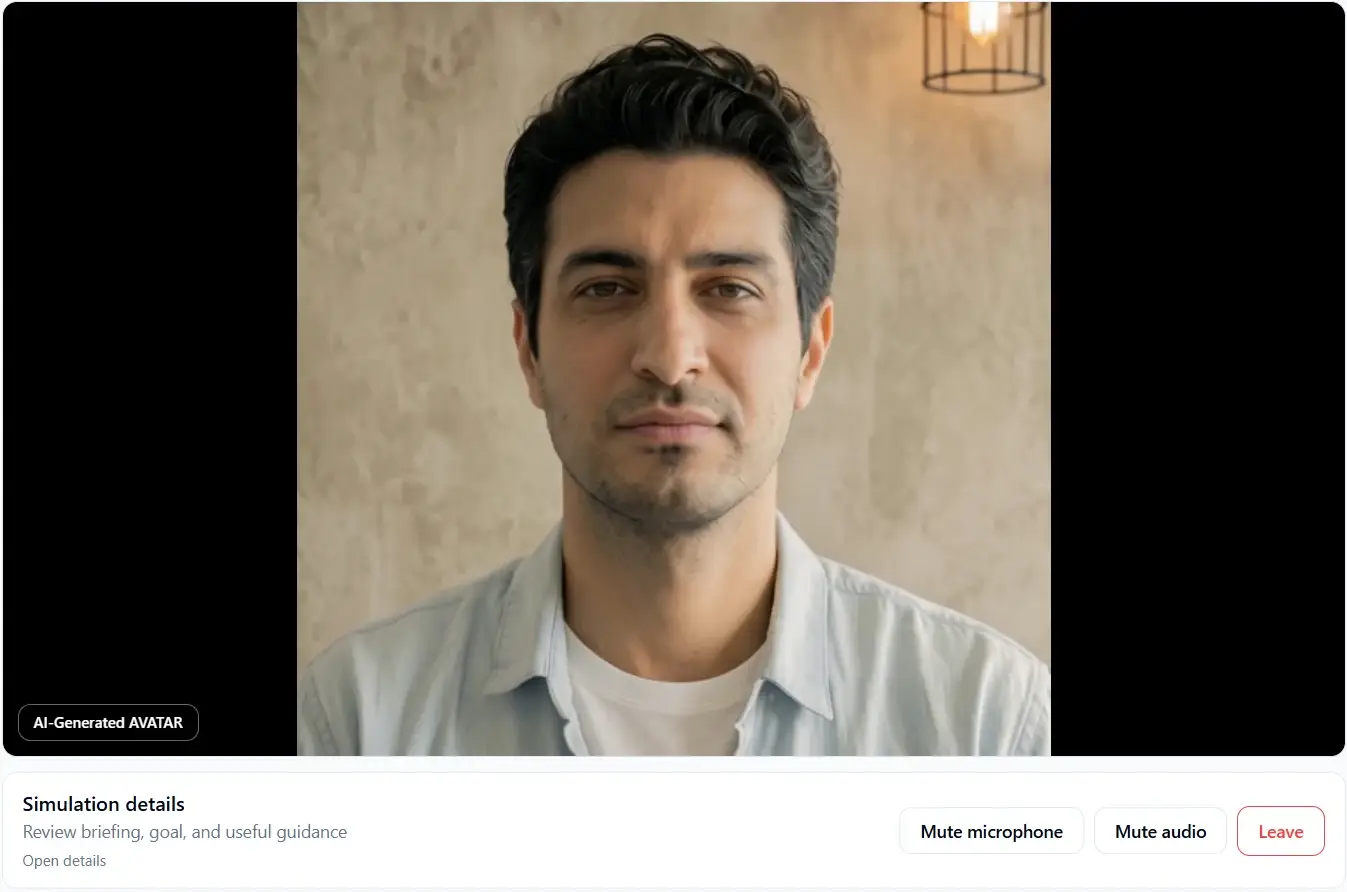
Giving Feedback Without Losing Trust
After Alex interrupts a colleague in a meeting, the participant speaks with him one-to-one. The goal is to explain the impact, hear Alex’s perspective and agree on a next step.
Let the conversation evolve
The Copilot can suggest changes in the avatar’s attitude and information to introduce during the conversation. Alex might start out defensive and open up when you ask how he experienced the meeting. He could then explain why he worried that his colleague’s proposal would slow the team down.
After the simulation, use the report to revisit key moments in the debrief and discuss what to try next time.
What situation would you like to simulate?
Bring a conversation your team or clients regularly face. In the demo, we’ll show you how to turn it into a simulation with an AI avatar.

