
Web and VR simulations
Practise conversations in your browser or in virtual reality
Practise giving feedback, managing disagreements or handling sensitive conversations with AI avatars. Start in a browser on your computer or smartphone, or step into the scene with a VR headset.
Choose the right format for your training
Web · Open the link and start
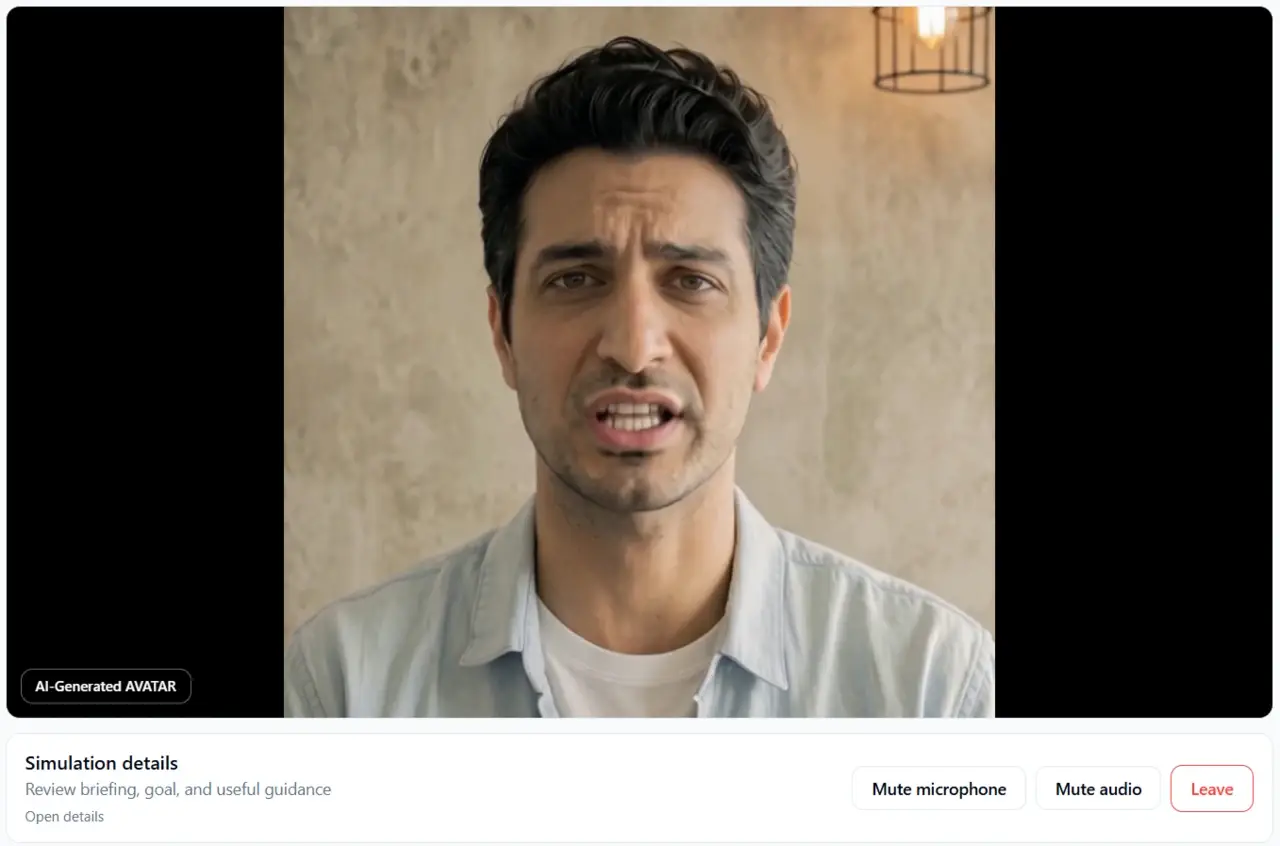
Open the simulation link on your computer or smartphone, allow microphone access and speak to the avatar. All you need is a browser. You can get started quickly and give your team a way to practise remotely.
VR · Step into the scene
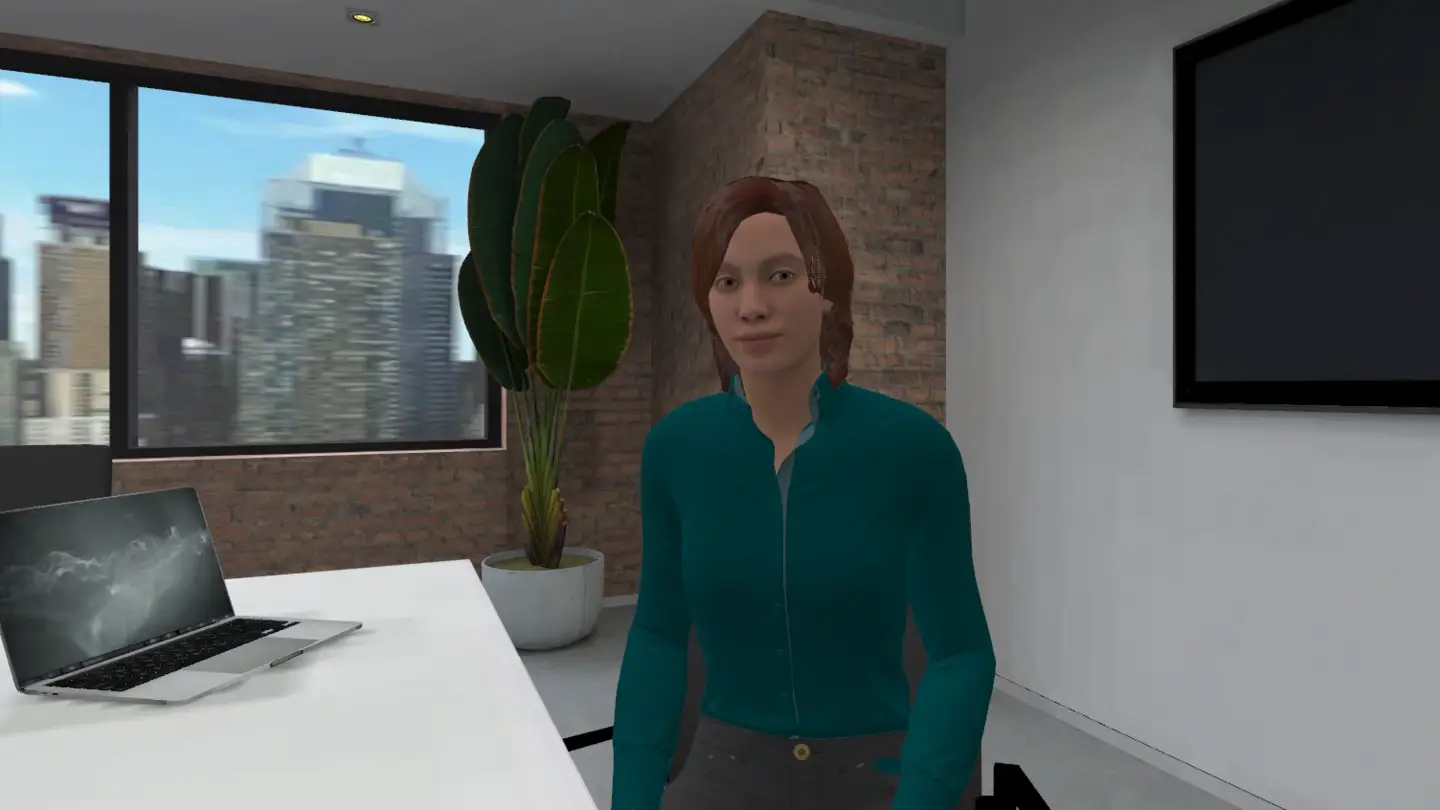
Put on a headset and speak to the avatar in a three-dimensional setting. Choose VR when the setting and the sense of sitting across from someone are part of the exercise.
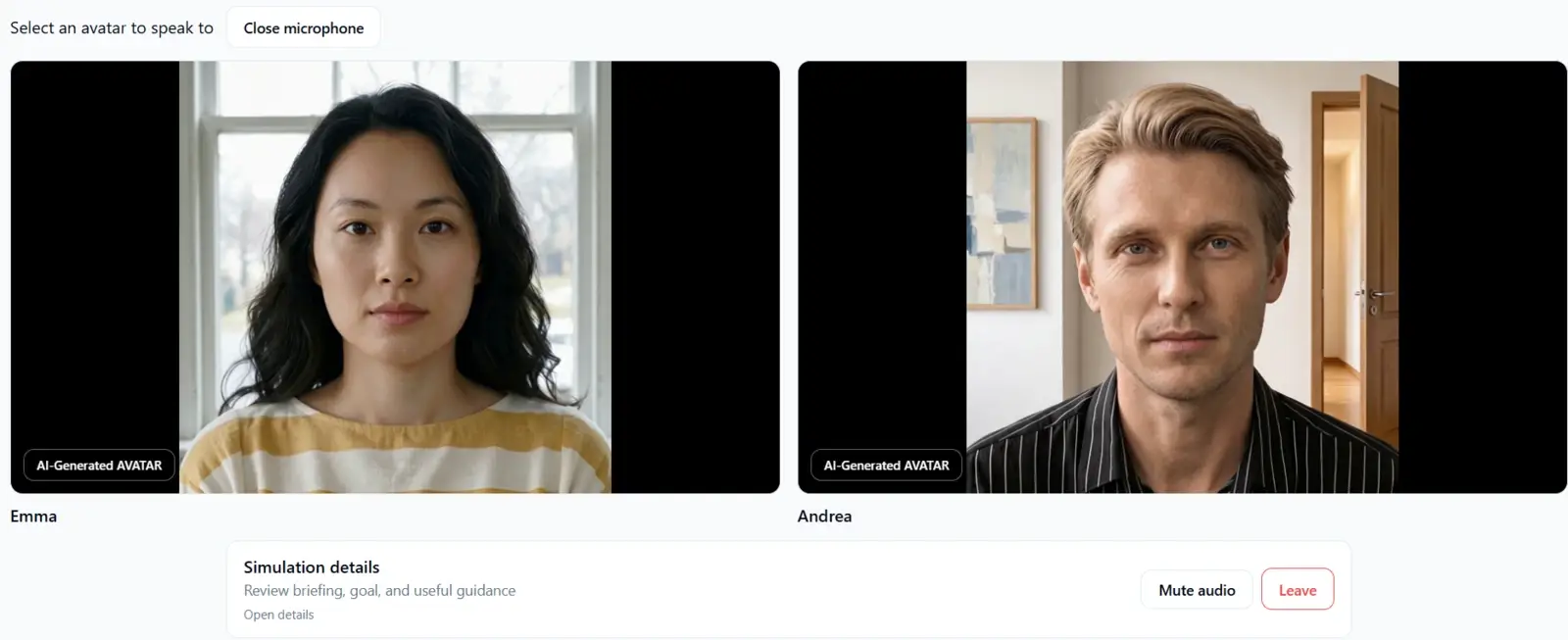
Manage a conversation with two people
In a web simulation with two avatars, you can choose whom to address as the conversation unfolds. For example, you can practise mediating between colleagues with different priorities.
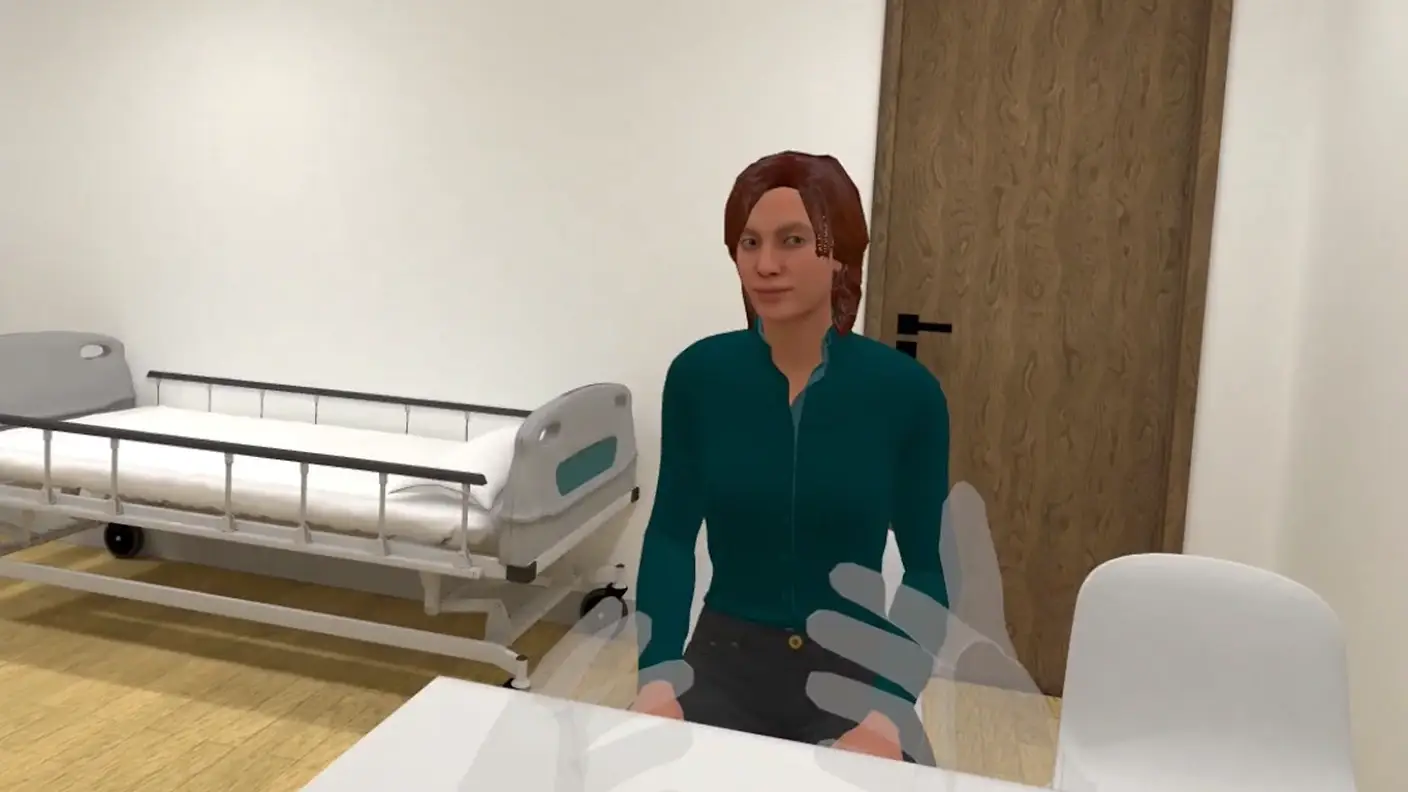
A VR conversation in a clinic
You see the scene from the perspective of the person wearing the headset. In a clinical scenario, you can practise explaining the next steps and checking that the other person has understood.
Try the format that suits your team
Bring a situation you want your team to practise. In the demo, we’ll show you how to turn it into a simulation and choose a format.

